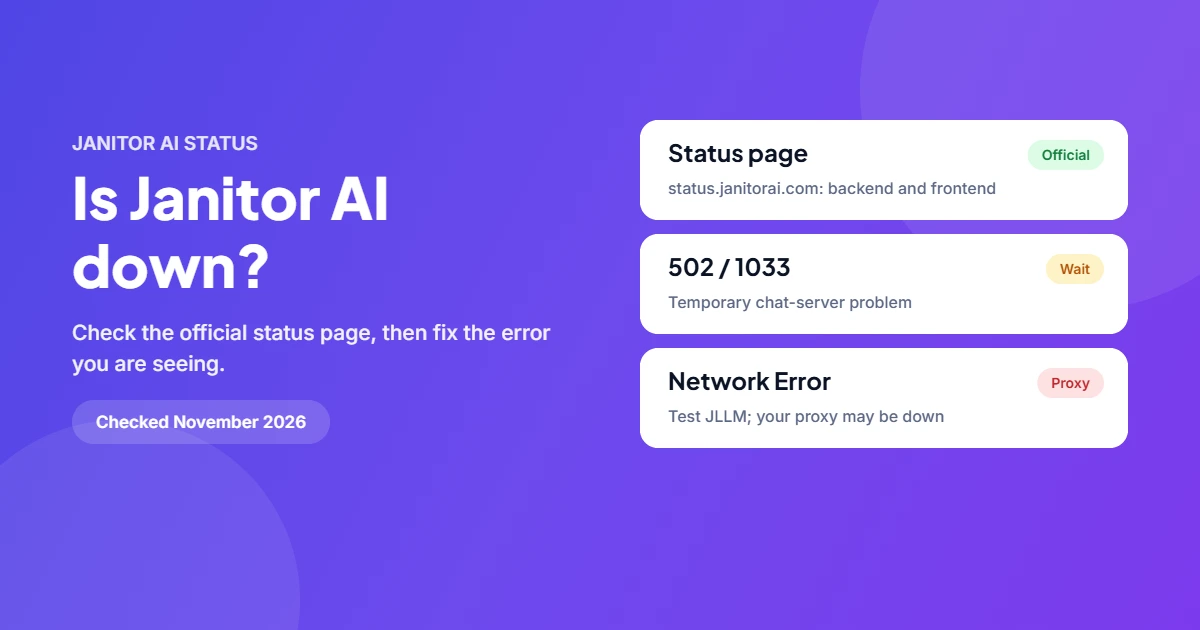
To see if Janitor AI is down, open its official status page at status.janitorai.com. It shows the backend and the frontend separately. If both are green but chats still fail, the cause is usually your proxy model, your login session or your browser, and the fixes below will sort it out.
What is Janitor AI?
Janitor AI is a website for chatting with AI characters that users create and share. You can chat using Janitor’s own model, JLLM, or connect an outside model through a proxy such as OpenRouter or Chutes. That second option matters when things break: a proxy can fail while Janitor AI itself is fine.
How to check if Janitor AI is down
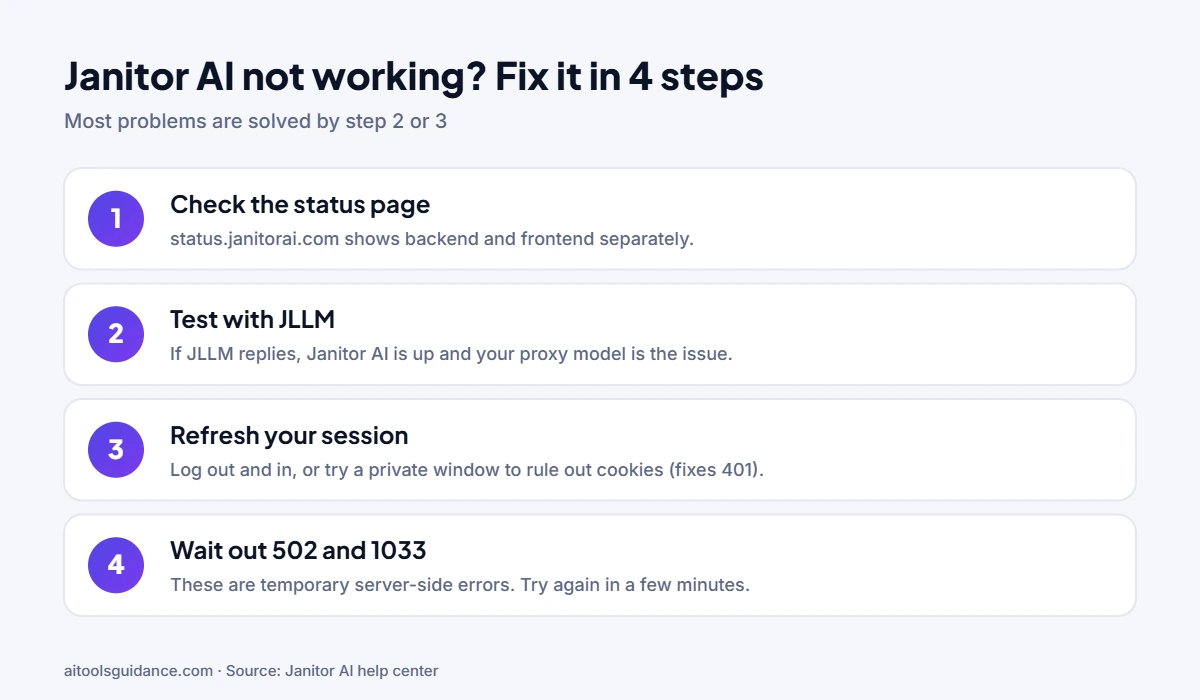
- Open the status page. status.janitorai.com lists Backend and Frontend with recent uptime and incidents. You can subscribe to updates there.
- Test with JLLM. If you use a proxy model, switch to JLLM for one message. If JLLM replies, Janitor AI is up and the proxy is the problem.
- Try a private window. If the site works there, your cookies or extensions are the cause.
- Check the help center. help.janitorai.com has a guide for each error message.
Janitor AI error codes and what to do
Based on Janitor AI’s own help articles.
| Message | What it means | What to do |
|---|---|---|
| 502 | The chat system has a temporary server-side issue, even if the site loads | Wait a few minutes and try again |
| 1033 | Same: a temporary chat-system problem | Wait a few minutes and try again |
| Network Error / Rate Limit | Often your proxy model (for example DeepSeek or Claude) is down or overloaded | Switch to JLLM to test; if that works, wait for the proxy |
| 401 Unauthorized | Login session, cookies or network problem | Log out and in, try a private window or another browser, clear cookies |
| Message must be 10,240 characters or fewer | Your message is too long | Shorten it or split it |
Why Janitor AI goes down
- Proxy outages: outside model providers have their own downtime and rate limits.
- Heavy traffic: busy periods can overload the chat servers and cause 502 or 1033 errors.
- Updates and maintenance: planned work is shown on the status page.
- Browser problems: stale cookies and extensions cause 401 and loading errors that look like an outage.
If Janitor AI stays down
Most outages clear within minutes to hours. If you need a chat app in the meantime, see our list of Janitor AI alternatives, or read about how Janitor AI works. If another chat app is failing too, check our live PolyBuzz status page.
FAQ
Is Janitor AI down right now?
Check Janitor AI's official status page at status.janitorai.com. It shows the backend and frontend separately. If both say operational but chat still fails, the problem is usually a proxy model, your login session or your browser.
Why does Janitor AI say Network Error?
Janitor AI's help center says a Network Error or Rate Limit message is often caused by the proxy model you use, such as DeepSeek or Claude through OpenRouter, being down or overloaded. Switch to JLLM to test; if JLLM works, wait for the proxy to recover.
What does error 502 or 1033 mean on Janitor AI?
Both mean the chat system is having a temporary server-side problem, even if the rest of the site loads. Janitor AI says there is nothing to fix on your side: wait a few minutes and try again.
How do I fix 401 Unauthorized on Janitor AI?
Janitor AI links 401 to your login session, cookies or network. Log out and back in, try a private window or another browser, then clear cookies for the site.
Where does Janitor AI post outage updates?
Use the official status page (status.janitorai.com), which offers update subscriptions, and the help center at help.janitorai.com for error guides.
Sources: Janitor AI status page; Janitor AI help center: site and chat issues. Checked 16 November 2026.