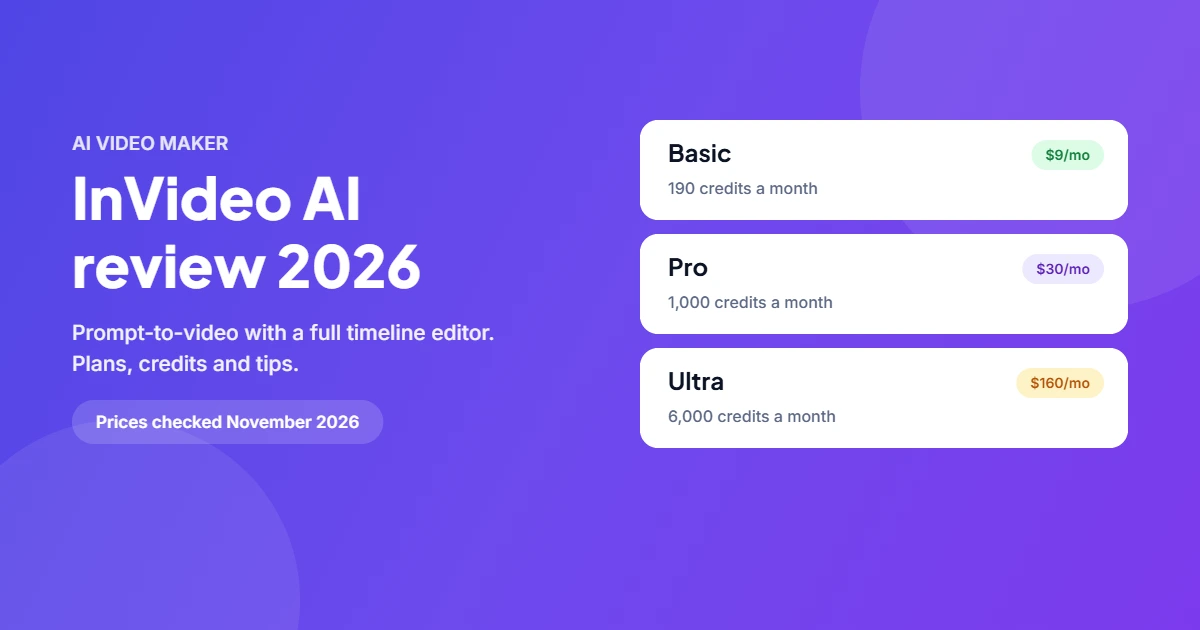
InVideo AI (invideo.io) is an AI video maker that turns a written prompt into a video with script, visuals and voice-over, then lets you edit it on a timeline. Plans start at $9 a month (Basic), with Pro at $30 and Ultra at $160 per seat a month on monthly billing. AI generation uses credits; editing and exporting don’t.
What InVideo AI does
- Prompt to video: describe the video you want and InVideo’s AI agents draft it for you.
- Generative models: its pricing page lists image and video models such as Nano Banana Pro and Seedance, paid for with credits.
- Timeline editor with multiplayer editing and colour, audio and 3D tools on every plan.
- Stock media and cloud storage, which grow with the plan.
InVideo AI pricing (USD)
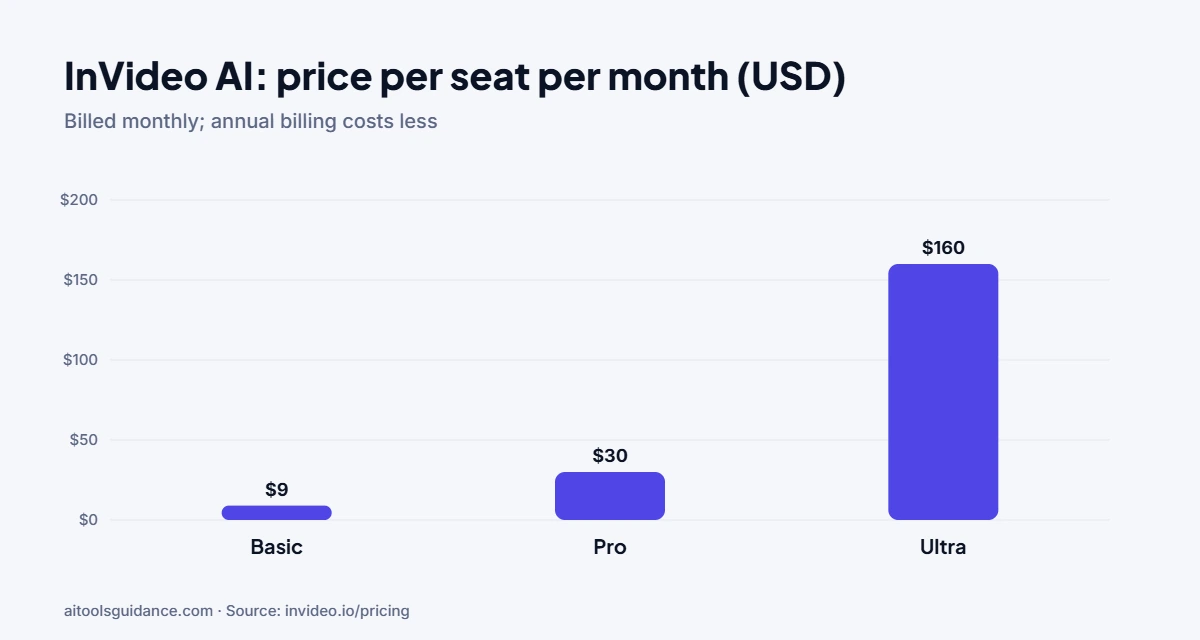
| Plan | Price (billed monthly) | Credits/month | Roughly equals |
|---|---|---|---|
| Basic | $9/seat | 190 | 76 Nano Banana Pro images or 7 fast Seedance 2 videos |
| Pro | $30/seat | 1,000 (2,000 and 3,000 options) | 400 Nano Banana Pro images or 26 Seedance 2 videos |
| Ultra | $160/seat | 6,000 (9,000 option) | 2,400 Nano Banana Pro images or 157 Seedance 2 videos |
From invideo pricing, checked 23 November 2026. Annual billing is cheaper. That week a Black Friday sale cut annual prices further (for example “pay for 12 months, get 24” on Ultra); sale prices end, so always check the page before you buy. Basic gives “Lite” access to InVideo’s frontier agents; Pro and Ultra unlock more.
Is there a free plan?
The pricing page lists no free plan. InVideo’s help centre explains that edits and exports are free while generation and transcripts cost credits (InVideo help). In practice you need a paid plan to generate new AI footage.
How to make a video with InVideo AI
- Go to invideo.io and sign up.
- Type what you want, for example “a 60-second explainer about our coffee subscription for Instagram”, including length, platform and tone.
- Review the draft the AI creates: script, scenes and voice-over.
- Fix anything in the timeline editor (edits don’t use credits).
- Export the finished video.
Pros and cons
| Pros | Cons |
|---|---|
| Fast way to turn an idea into a full video | No free plan for AI generation |
| Full timeline editor on every plan | Credits run out quickly on video models |
| Access to several leading image and video models | Pricing changes often with promotions |
InVideo alternatives
For editing your own footage, see our VEED review or Descript. For quick social clips from long videos, read Munch, and for text-to-video with voices, Fliki.
FAQ
Is InVideo AI free?
InVideo's pricing page lists paid plans only, starting with Basic at $9 a month. Its help centre says editing and exporting don't use credits, but generating videos, images and transcripts does.
How much does InVideo AI cost?
Billed monthly, Basic costs $9, Pro $30 and Ultra $160 per seat per month, according to InVideo's pricing page on 23 November 2026. Annual billing costs less, and a Black Friday discount was running on annual plans that week.
What are InVideo credits?
Credits pay for AI generation. InVideo says Basic's 190 monthly credits equal about 76 Nano Banana Pro images or 7 fast Seedance 2 videos, while Pro's 1,000 credits equal about 400 images or 26 Seedance 2 videos.
Is invideo.io the same as InVideo AI?
Yes. invideo.io is the website for InVideo AI, the AI video maker. People often search for it as 'invideo io'.
Can I edit videos in InVideo without using credits?
Yes. InVideo's help centre says edits and exports are free, while AI generation and transcripts use credits. The same timeline editor is included on every plan.
Sources: invideo pricing; InVideo help: Can I use invideo AI for free?. Checked 23 November 2026.