To write a letter with AI, give the chatbot the facts, the reader, the tone and the result you want, ask for a short draft, then edit it in your own words and check every detail before sending. Any general chatbot works, including ChatGPT, Gemini, Claude and Copilot.
How to write a letter with AI in 5 steps
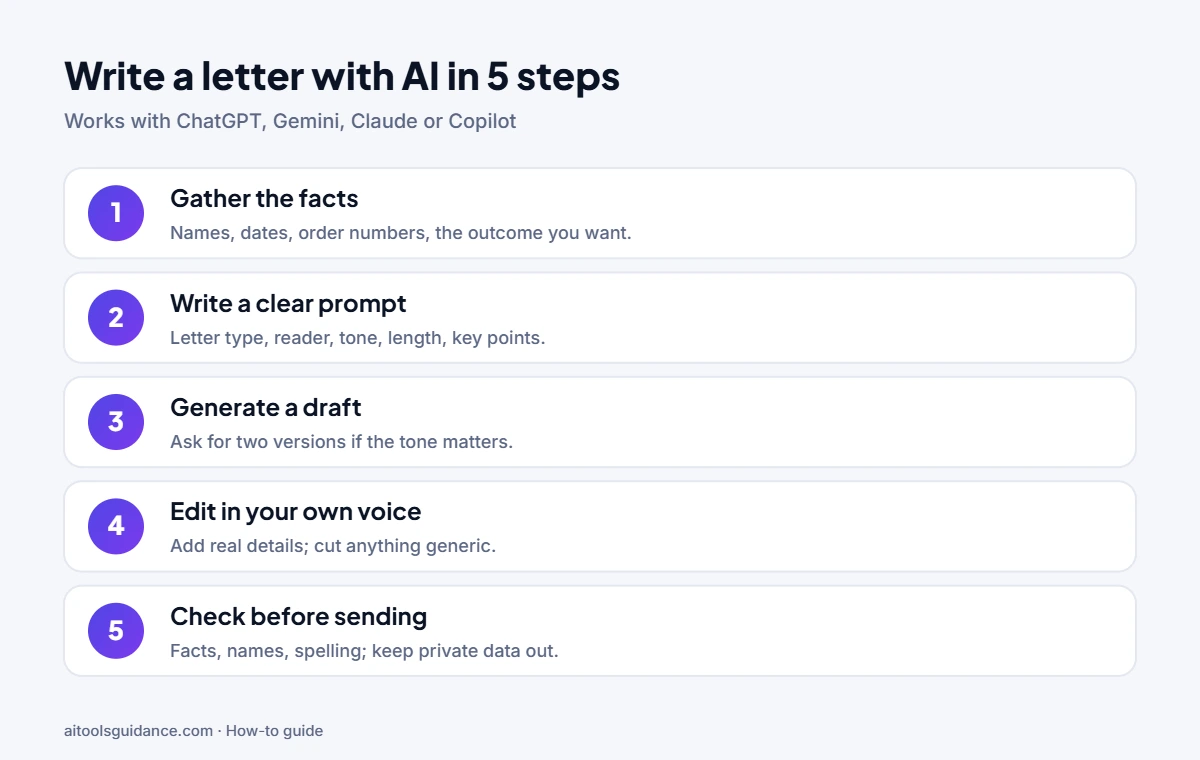
- Gather the facts: names, dates, reference or order numbers, and what you want to happen.
- Write a clear prompt: say what kind of letter it is, who will read it, the tone, the length and the key points.
- Generate a draft: ask for two versions if you’re unsure about tone.
- Edit in your own voice: add specific details, remove generic phrases and anything untrue.
- Check before sending: facts, names, spelling and formatting. Read it aloud.
Prompts you can copy
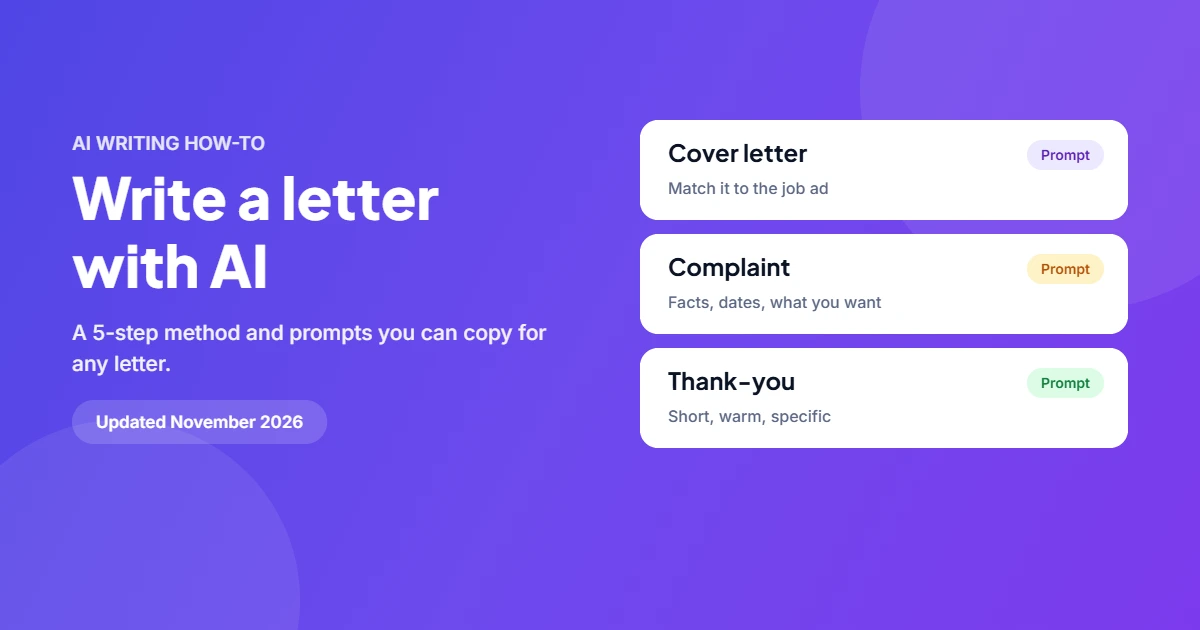
Cover letter
“Write a one-page cover letter for the [job title] role at [company]. Here is the job ad: [paste]. Here is my CV: [paste]. Highlight the three most relevant achievements with numbers. Friendly but professional tone, under 300 words.”
Complaint letter
“Write a polite but firm complaint letter to [company] about [problem]. Order number [x], bought on [date]. I have already [what you did]. I want [refund / replacement / repair] within 14 days. Keep it under 200 words.”
Resignation letter
“Write a short, positive resignation letter to my manager [name]. My last day will be [date]. Thank them for [something specific] and offer to help with the handover.”
Thank-you letter
“Write a warm thank-you note to [name] for [what they did]. Mention [specific detail]. Three or four sentences.”
Want a more detailed prompt? Our free AI Prompt Generator builds one for you.
Tips for better AI letters
- Give real details. AI fills gaps with generic phrases, so the more specific you are, the better.
- Set the length. Most letters work best under 300 words.
- Ask for a tone change (“warmer”, “more formal”) instead of rewriting yourself.
- Make it sound like you. Our AI Humanizer can smooth stiff wording, but always do a final read yourself.
What not to do
- Don’t paste passwords, bank or ID numbers, or other people’s private data into a chatbot.
- Don’t send a letter with facts you haven’t checked; AI can invent dates or details.
- For legal letters, use AI for a first draft only and get proper advice before sending.
Not sure which chatbot to use? See which ChatGPT app is best.
FAQ
Can ChatGPT write a letter for me?
Yes. Give it the type of letter, who it's for, the tone, the key facts and the result you want, then edit the draft in your own words before sending.
Is it OK to use AI to write a cover letter?
Generally yes, as long as everything in it is true and it sounds like you. Tailor it to the job ad and check the employer's rules if they ask about AI use.
What is the best AI for writing letters?
Any general chatbot such as ChatGPT, Gemini, Claude or Copilot works well. The quality depends more on your prompt and editing than on the tool.
How do I make an AI letter sound less robotic?
Add specific details, cut generic phrases, ask for a warmer or simpler tone, and read it aloud before sending.
Is it safe to put personal details into an AI chatbot?
Avoid sensitive data such as passwords, bank, ID or medical details. Use placeholders and fill them in yourself.
Sources: How-to guide based on general use of AI chatbots; see our ChatGPT guide. Checked 24 November 2026.