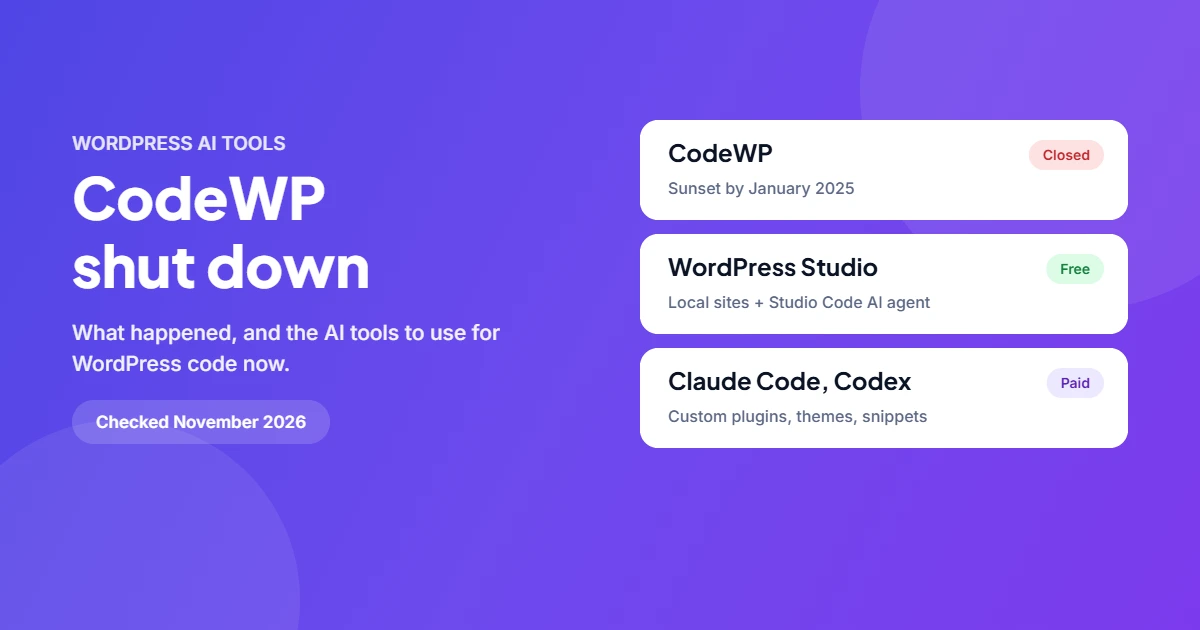
CodeWP is no longer available. Automattic, the company behind WordPress.com, bought CodeWP’s maker WPAI in December 2024, and its products were shut down by January 2025. Today the closest free option for WordPress is WordPress Studio’s AI agent, Studio Code; general AI coding assistants also work well for plugins and snippets.
What happened to CodeWP
- Before 2025: CodeWP was an AI tool that wrote WordPress code: PHP snippets, plugins, WooCommerce changes and more, from plain-English prompts.
- 9 December 2024: Automattic announced it had acquired WPAI, the company behind CodeWP, AgentWP and WP.Chat (Automattic).
- By 9 January 2025: WPAI said its products would be “completely sunset”. Monthly subscriptions ended without renewal and annual subscribers were offered prorated refunds (WP Tavern).
- Now: codewp.ai redirects to an Automattic page for Telex, a later experiment, which says Telex “has been retired” and points to WordPress Studio and other AI coding tools instead.
Best CodeWP alternatives
| Tool | Best for | Cost |
|---|---|---|
| WordPress Studio + Studio Code | Building and fixing WordPress sites locally with an AI agent that can edit files, run WP-CLI and install plugins | Free desktop app; Studio Code is in beta |
| WordPress.com AI Website Builder | Creating a whole site from a description rather than writing code | Part of WordPress.com plans |
| Claude Code or OpenAI Codex | Writing and debugging custom plugins, themes and snippets | Included with paid plans from each company |
| ChatGPT, Claude or Gemini (chat) | Quick one-off snippets and explanations | Free tiers available |
According to a July 2026 review, Studio Code works through a chat panel in WordPress Studio, can create pages and posts, install themes and plugins, run WP-CLI commands and take screenshots to check the result (GIGAZINE). It needs a WordPress.com login.
How to use AI-generated WordPress code safely
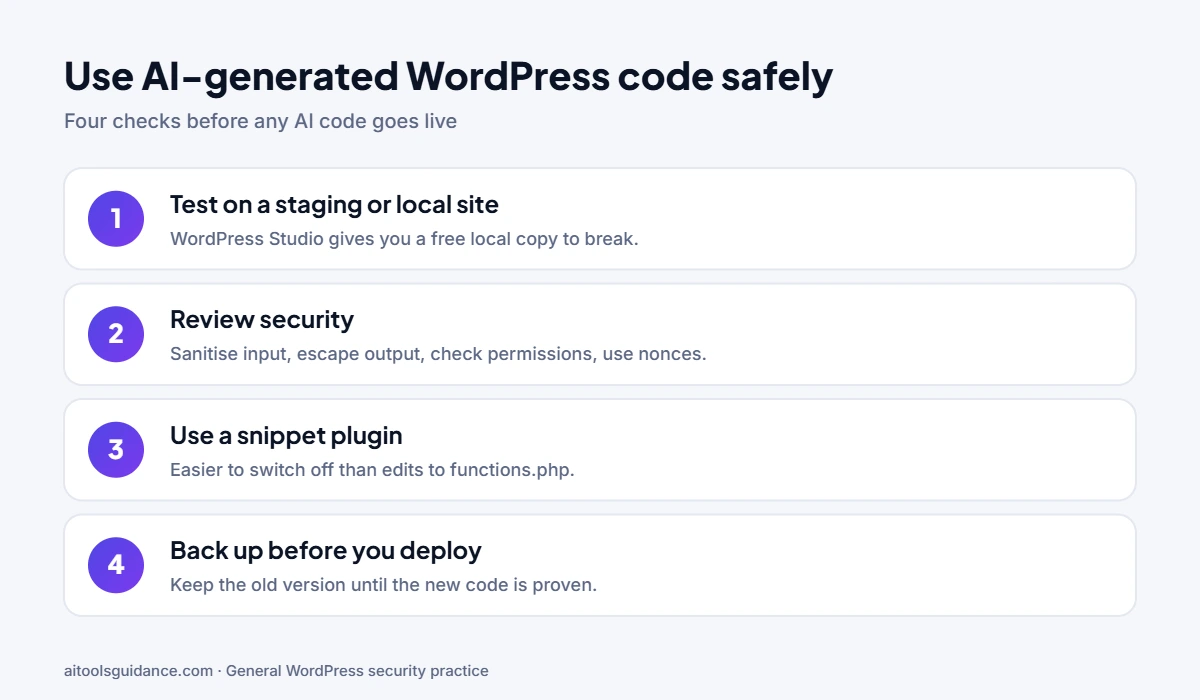
- Test on a staging or local site first. WordPress Studio gives you a free local copy to break.
- Review security. Check that the code sanitises input, escapes output, checks user permissions and uses nonces on forms.
- Add small snippets with a snippet plugin rather than editing your theme’s functions.php, so you can switch them off quickly.
- Back up before you deploy, and keep the old version until the new code has run for a few days.
Looking for other AI coding tools? See our CodePen review and the AI tools directory.
FAQ
Is CodeWP still available?
No. CodeWP was shut down after Automattic, the company behind WordPress.com, bought its maker WPAI in December 2024. WPAI said all of its products would be sunset by 9 January 2025, and codewp.ai now redirects to an Automattic page.
What happened to CodeWP?
Automattic acquired WPAI, the company that made CodeWP, AgentWP and WP.Chat, on 9 December 2024. The products were closed in their existing form, and their technology was to be reused in new Automattic tools.
Did CodeWP subscribers get refunds?
According to WP Tavern's report of the announcement, monthly subscriptions ended without renewing and annual subscribers were offered prorated refunds.
What is the best CodeWP alternative?
For WordPress-specific work, WordPress Studio's AI coding agent (Studio Code) is free while in beta and runs on your own computer. For general code, AI coding assistants such as Claude Code or OpenAI's Codex can write WordPress plugins, snippets and themes.
Is AI-generated WordPress code safe to use?
Only after you review and test it. Run new code on a staging or local site first, check that it sanitises input, escapes output and uses nonces, and keep a backup before adding it to a live site.
Sources: Automattic: Welcomes WPAI; WP Tavern: Automattic Acquires WPAI; AlternativeTo: WordPress Studio 1.12; GIGAZINE: Studio Code review. Checked 22 November 2026.