How to Use QuillBot Paraphraser: Modes, Limits and Tips (2026)

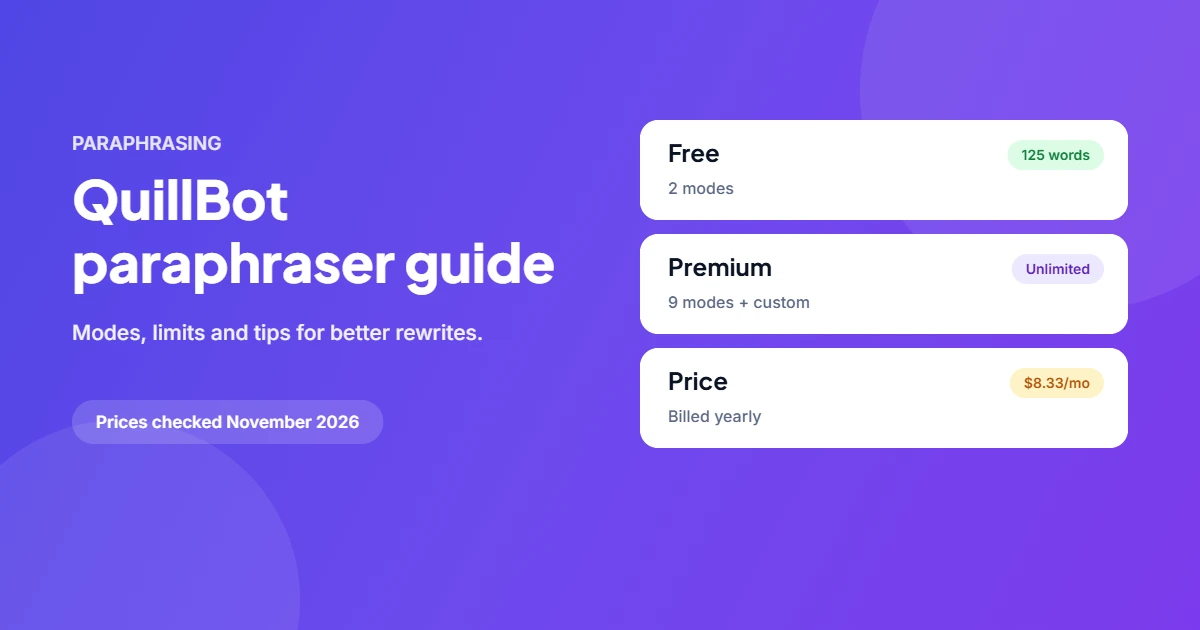
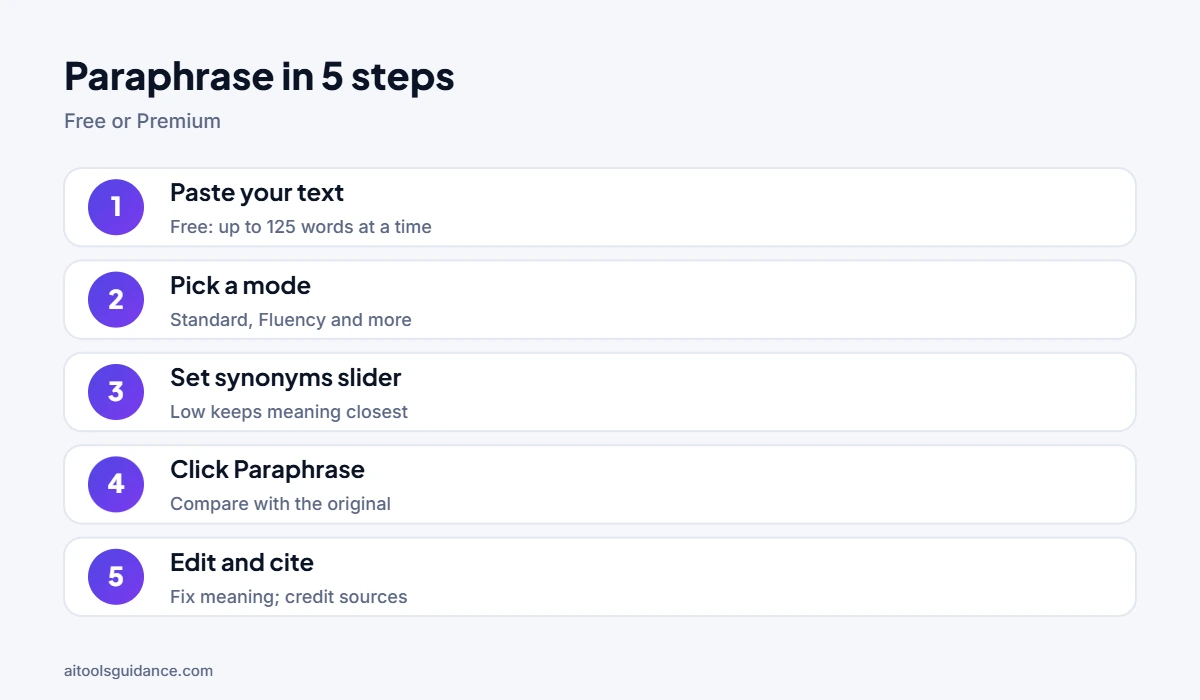
To use QuillBot’s paraphraser, paste your text, choose a mode, adjust the synonym slider and click Paraphrase, then edit the result. The free plan handles 125 words at a time with 2 modes; Premium ($8.33 a month billed yearly) is unlimited, with 9 modes plus custom modes. Paraphrasing doesn’t replace citing your sources.
Step by step
Free vs Premium
| Free | Premium | |
|---|---|---|
| Words per paraphrase | 125 | Unlimited |
| Modes | 2 | 9 + unlimited custom |
| Summariser | 1,200 words | 6,000 words |
| Plagiarism checker | No | 25,000 words/month |
| Price | $0 | $8.33/month billed yearly |
Tips for better results
- Paraphrase a few sentences at a time.
- Use Fluency mode to fix awkward writing; Standard to keep meaning.
- Freeze key terms so they don’t change.
- Read the result aloud and fix anything that sounds off.
Avoid plagiarism
Rewording someone else’s ideas still requires a citation. Many schools also restrict paraphrasing tools; check your rules. See how to use AI to write a paper.
Compare tools: QuillBot vs Grammarly. Free option: our AI Paraphraser.
FAQ
Is QuillBot paraphraser free?
Yes, with a 125-word limit per paraphrase and 2 modes. Premium removes the limits.
How much is QuillBot Premium?
$8.33 a month billed yearly.
Which QuillBot mode is best?
Standard keeps meaning; Fluency fixes grammar and flow; Premium adds more modes like Formal and Creative.
Is using QuillBot plagiarism?
Not if you cite the original source, but rewording without credit is still plagiarism.
Can teachers detect QuillBot?
Some AI detectors flag heavily paraphrased text. Follow your school's policy.
Sources: QuillBot Premium (checked November 2026). Checked 24 November 2026.