How to Use AI at Work: 12 Practical Uses, Prompts and Rules

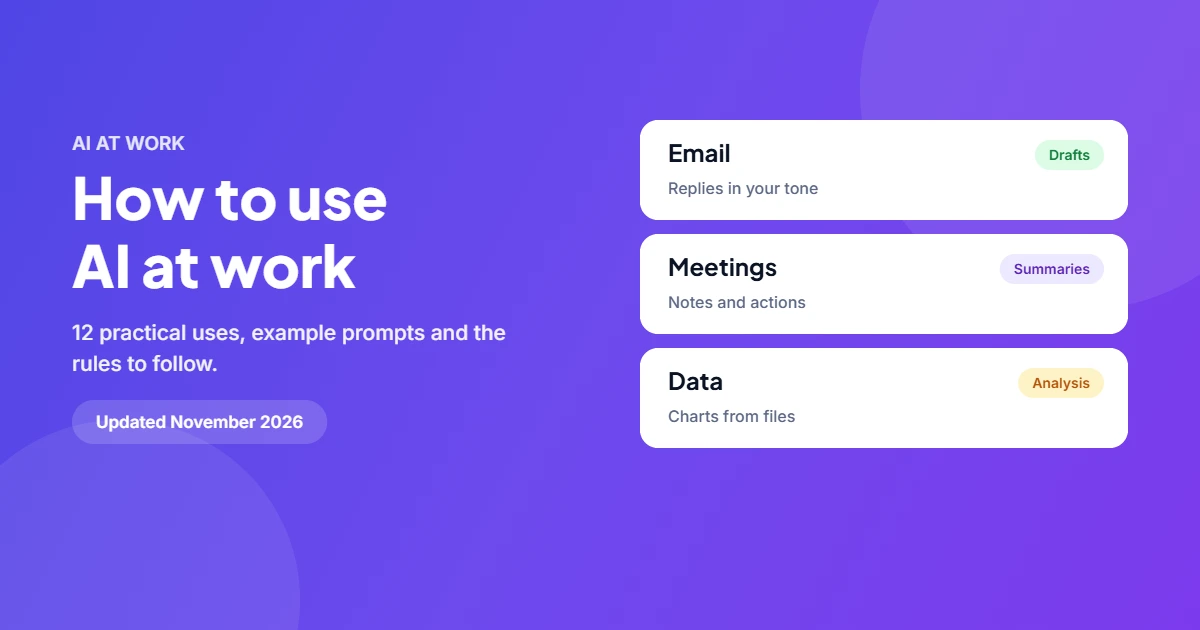
The fastest wins from AI at work are drafting emails, summarising meetings and documents, researching a topic and turning rough notes into clear writing. Start with one repeat task, use the AI tool your employer approves, keep confidential data out, and check every output before it leaves your desk.
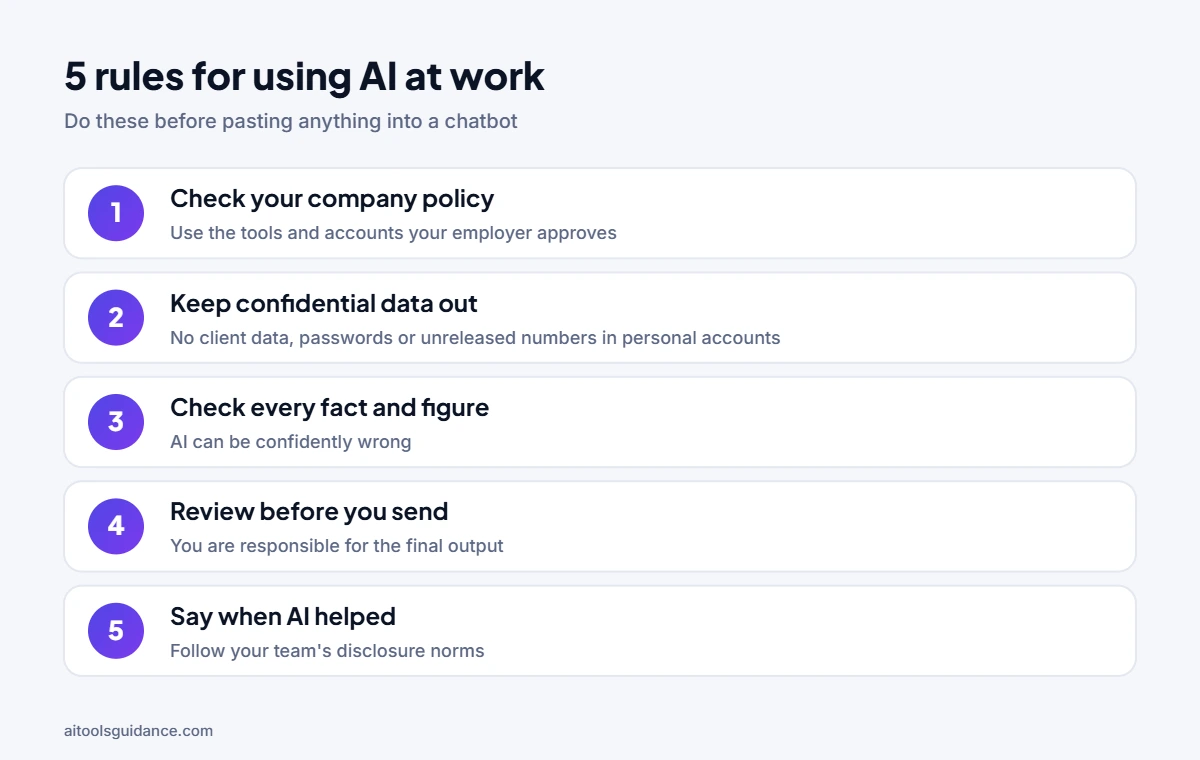
Rules to follow first
12 practical ways to use AI at work
| Task | What AI does | Example prompt |
|---|---|---|
| 1. Email replies | Drafts a reply in your tone | “Reply politely, decline the meeting, offer Thursday.” |
| 2. Meeting notes | Summarises transcripts into decisions and actions | “List decisions, owners and deadlines.” |
| 3. Long documents | Pulls out the key points | “Summarise this report in 5 bullets for my manager.” |
| 4. Research | Gathers sources on a topic | “Find recent sources on X and cite each one.” |
| 5. Reports | Turns notes into a structured draft | “Turn these notes into a one-page update.” |
| 6. Spreadsheets | Explains or writes formulas | “Write a formula that sums column C when B is ‘Paid’.” |
| 7. Data analysis | Charts and explains a CSV | “Chart monthly sales and point out anomalies.” |
| 8. Presentations | Outlines slides from a brief | “Outline 8 slides for this proposal.” |
| 9. Brainstorming | Generates options to react to | “Give 10 names for this project, with reasons.” |
| 10. Editing | Tightens and proofreads | “Make this shorter and clearer; keep the facts.” |
| 11. Translation | Drafts translations to check | “Translate for a customer; keep it formal.” |
| 12. Learning | Explains unfamiliar topics | “Explain X as if I’m new to the team.” |
Write better prompts with our free AI Prompt Generator, and summarise long text with the AI Text Summarizer.
Which AI tools to use
- General assistant: ChatGPT, Gemini, Claude or Microsoft Copilot. See Gemini vs ChatGPT.
- Inside your apps: Copilot in Microsoft 365 or Gemini in Google Workspace, if your company has them.
- Research with sources: Perplexity.
- Data: Julius AI for charts and analysis from files.
- Projects and tasks: Taskade or Notion.
Many have free plans; see free AI tools like ChatGPT.
How to get started this week
- Pick one task you repeat every week.
- Try it with an approved AI tool and time how long it takes.
- Save the prompt that works as a template.
- Share it with your team once you trust the results.
FAQ
Is it OK to use AI at work?
Usually, if you follow your employer's policy, use approved tools and keep confidential information out of personal AI accounts.
What is the easiest way to start using AI at work?
Start with email drafts or meeting summaries: they are frequent, low-risk and easy to check.
Can my employer see what I type into ChatGPT?
On a company-managed account, administrators may have access depending on the plan and settings. On a personal account, keep work data out unless your policy allows it.
Will AI replace my job?
AI takes over parts of many jobs, especially drafting and summarising. People who learn to use it well are usually better placed.
Which AI tool is best for work?
The one your company approves. Otherwise ChatGPT, Gemini, Claude and Copilot are all strong general assistants.
Sources: Practical guidance from aitoolsguidance.com testing; check your employer’s AI policy. Checked 24 November 2026.