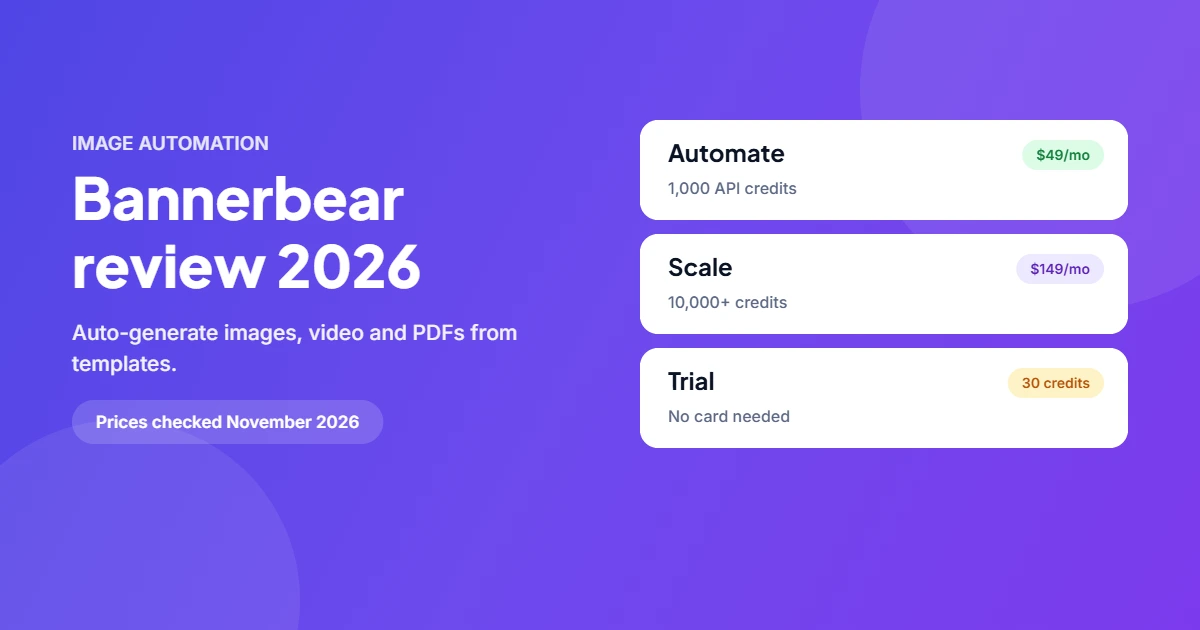
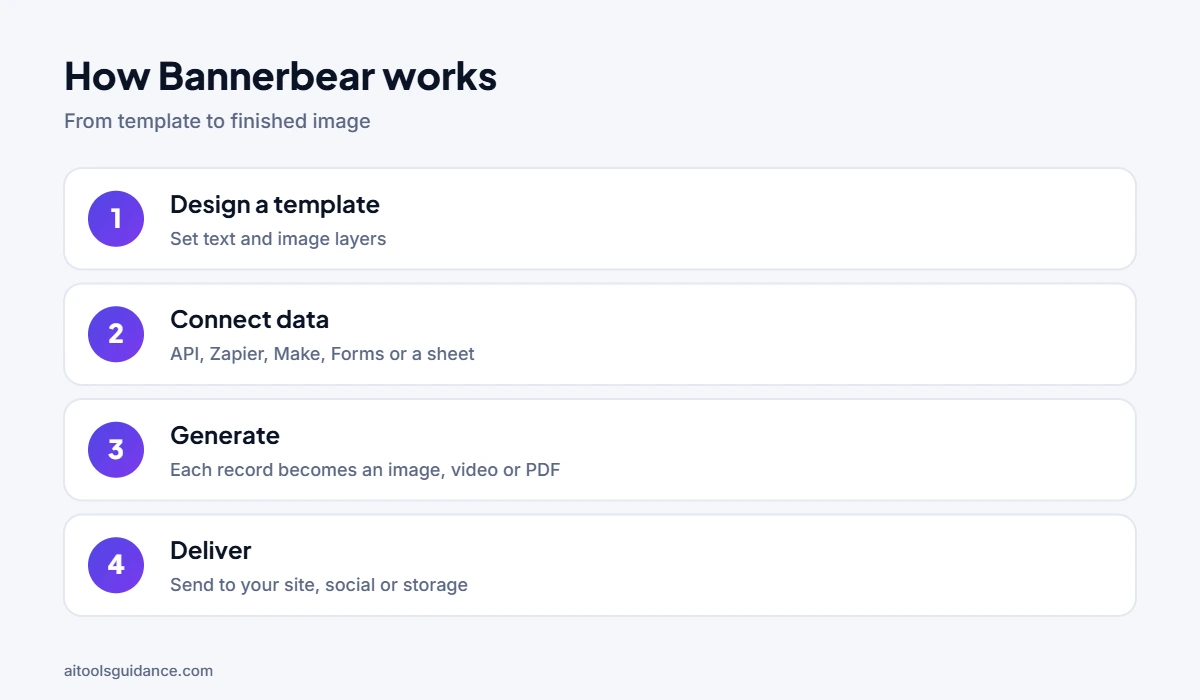
Bannerbear generates images, videos and PDFs automatically from templates: you design a template once, then feed it data through an API, Zapier, Make or forms. Plans start at $49 a month (Automate, 1,000 API credits), and you can try it free with 30 API credits and no card. It suits e-commerce, social media and marketing teams producing many similar graphics.
How it works
Pricing (November 2026)
| Plan | Price/month | API credits | AI credits |
|---|---|---|---|
| Automate | $49 | 1,000 | 200 |
| Scale | $149 | 10,000 (up to 40,000) | 600 |
| Enterprise | $299 | 50,000 (up to 2,000,000) | 1,250 |
Use cases
- Social media graphics from blog posts or product data.
- Open Graph images for every page.
- Certificates, tickets and personalised PDFs.
- Short videos with captions.
Pros and cons
| Pros | Cons |
|---|---|
| Mature API and integrations | No free plan after the trial |
| Images, video and PDFs | Costly at low volume |
| MCP and workflow support | Template design takes setup time |
Compare options in Bannerbear alternatives and see Simplified for an all-in-one design app.
FAQ
Is Bannerbear free?
There is a free trial with 30 API credits and no card required. Paid plans start at $49 a month.
How much does Bannerbear cost?
Automate $49, Scale $149 and Enterprise $299 a month.
Do I need to code to use Bannerbear?
No. Zapier, Make and forms work without code; the API is optional.
Can Bannerbear make videos?
Yes, as well as images and PDFs.
What are Bannerbear credits?
Each generated image or render uses API credits; your plan sets the monthly amount.
Sources: Bannerbear pricing (checked November 2026). Checked 24 November 2026.